Why Did Google Suspend My Business Profile?
By Marcela Arenas — — Local SEO
What Happens When Your Google Business Profile Gets Suspended?
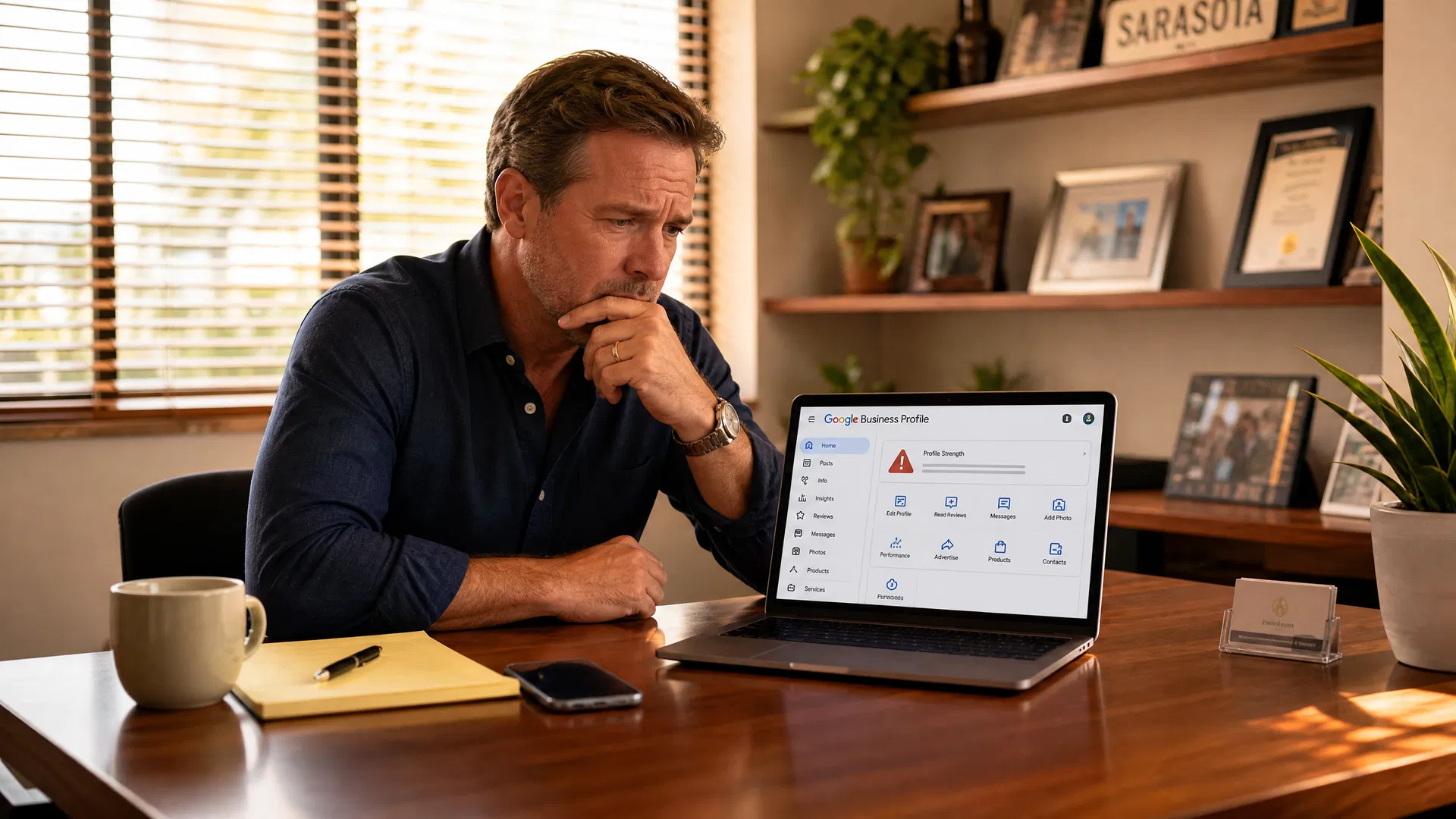
A suspended Google Business Profile disappears from Google Maps and local search results. Customers searching for your business by name or category may not find you. Direction requests, calls routed through the profile, and website clicks from the listing all stop. For service businesses in Sarasota and Southwest Florida that rely on Google Maps as a primary lead source, a suspension can cut inbound lead flow significantly within hours of taking effect.
Google may suspend a profile for policy violations, suspicious activity, or as part of automated enforcement sweeps. In its 2025 Maps trust and safety report, Google stated it removed more than 13 million fake Business Profiles and blocked 79 million inaccurate or unverified edits. According to Google's Maps safety report, Gemini models help its systems identify and block unhelpful suggested edits faster, including before some edits go live. Compliant businesses can still be affected by automated enforcement, and the appeal process takes time. Our local SEO and Google Business Profile service includes profile compliance review to reduce suspension risk before it becomes a problem.
The Most Common Reasons a GBP Gets Suspended
Understanding why suspensions happen is the first step to preventing them. The triggers below reflect both Google's published guidelines and patterns practitioners see repeatedly in the field.
Business Name Does Not Match Your Real-World Branding
Google's guidelines require that your business name on your profile match the name your business uses consistently in the real world — on your storefront, website, stationery, and branding. This is not always identical to the legal entity name on your LLC formation papers. When you submit an appeal, the documents you provide should have a business name and address that clearly correspond to the profile being appealed. Inconsistency between your profile and the evidence you submit is one of the most common reasons an appeal is unsuccessful. Review your profile name against how your business is actually presented to customers, and confirm that your supporting documents are consistent. See Google's guidelines on representing your business for the full requirements.
Keyword Stuffing in the Business Name
Adding keywords to your business name field is one of the most reliably flagged violations. A profile named "Joe's Plumbing" is compliant. A profile named "Joe's Plumbing Drain Cleaning Water Heater Repair Sarasota" is a suspension waiting to happen. Google's guidelines are explicit: the business name field should reflect the actual name of the business, not a keyword list. Beyond the suspension risk, keyword-stuffed names can trigger competitor reports, which are reviewed by Google's support team. Our guide to how GBP categories affect local search rankings explains how to build relevance through legitimate profile signals instead.
Virtual Offices and PO Boxes as the Listed Address
PO boxes are not eligible GBP addresses. A virtual office where the business does not operate is also not eligible. A coworking space may qualify only when it has clear signage, receives customers at the location, and is staffed during business hours by the business's own staff. If your business serves customers at their location and does not receive customers at a physical address, you may qualify as a service-area business, which allows you to hide the address while still appearing in local results for your service area. Confirm your address eligibility against Google's guidelines before listing any address that is not a clearly staffed, customer-facing location.
Multiple Significant Profile Changes
Making significant changes to your business name, address, and primary category can trigger automated review or re-verification. Google may reject changes that do not match your real-world business information. Make only accurate, necessary changes and keep documentation supporting any legitimate change, such as a rebrand or relocation. Use a controlled rebrand plan for customers, the website, and Google, and see Google's guidance on editing your Business Profile for what to expect when updating core profile fields.
Build Your Suspension-Ready Document Folder Now
When a suspension happens, having your documents organized means you can submit a complete appeal without delay. Google says appeal reviews and decisions can take up to five business days. Businesses that have appropriate evidence ready can submit a more complete appeal. Appropriate evidence can strengthen an appeal, but Google makes the final decision on reinstatement.
Keep a dedicated folder, physical or digital, with the following documents ready at all times: your LLC formation or business registration documents, with the business name and address consistent with your profile; a current business license if your industry or municipality requires one; a recent utility bill for the business address with the business name and address visible; a tax certificate or EIN confirmation letter; and photos of your physical signage, both exterior and interior if applicable. After submitting an appeal, you may be prompted to add optional supporting evidence through a linked evidence form. If that form is opened, the evidence must be submitted within 60 minutes or it will not be attached to the appeal. If Google requests a live recording rather than documents, use our Google Business Profile video-verification guide to plan the evidence before you start recording.
For any documents you submit as evidence, check that the business name and address match the profile you want to appeal. A pristine business license with a slightly different trading name does less for you than a utility bill that matches exactly.
What to Do If Your Profile Gets Suspended
Do not create a new profile for the same business while your appeal is under review. Google warns explicitly that a duplicate listing can itself be flagged and will not accelerate reinstatement. Do not submit multiple appeals for the same issue before a decision arrives on the first one. Both actions feel productive during a stressful outage and both actively work against you.
The correct sequence is: identify the violation from the suspension notice, fix the issue before submitting the appeal, gather your supporting documents, open the Google Business Profile appeals tool, select the suspended profile, review the stated reason and violated policy, and submit the appeal. After submitting, watch for a prompt to add optional evidence through a linked evidence form — if it appears, complete it within 60 minutes. If the appeal is denied, you can request an additional review and provide evidence not included in the original submission. See Google's reinstatement guidance for the full process.
Maintaining accurate, consistent business information across your website, Google Business Profile, and local directories improves overall consistency. Google does not state that citation consistency prevents suspension, but conflicting information across sources can create signals that complicate verification. Our guide to local citations for Sarasota businesses covers how citation consistency supports local search visibility.
Prevention Is Faster Than Recovery
A suspension appeal that takes two to three weeks to resolve represents two to three weeks of reduced Google Maps visibility during your normal lead flow. For a Sarasota service business that books most of its work through Google, that is a meaningful revenue impact. The preventive steps, keeping your name compliant, your address legitimate, your edits measured, and your documents ready, take a fraction of the time that recovery requires.
A complete Google Business Profile strategy goes beyond compliance. The Services section of your GBP and your category selection both affect how Google understands and surfaces your business for relevant searches. Keeping those elements accurate and complete reduces the risk of automated flags and strengthens your profile's overall performance. If you want a full review of your profile's compliance and optimization, our Sarasota marketing agency team can audit every section and identify the changes most likely to protect and improve your local visibility.
Key Takeaways
- GBP suspensions can remove your business from Google Maps and local search results without warning.
- The most common triggers are keyword-stuffed business names, names that do not match real-world branding, virtual office addresses, and multiple significant profile changes.
- Keep a ready folder with LLC docs, utility bill, business license, and signage photos before a suspension occurs.
- Fix the violation first, then appeal with complete evidence through the GBP appeals tool.
- Do not create a duplicate listing or submit multiple appeals while a review is pending.
Related Resources
Frequently Asked Questions
Why did my Google Business Profile get suspended?
Google suspends profiles that violate its guidelines. Common reasons include a business name that does not match real-world branding, keyword stuffing in the business name field, an ineligible address such as a virtual office or PO box, or multiple significant changes to core profile fields. Google's suspension notice will reference the violated policy. Fix the violation before submitting an appeal.
How long does a Google Business Profile suspension appeal take?
Google says appeal reviews and decisions can take up to five business days. After submitting an appeal, you may be prompted to add optional evidence through a linked evidence form. If that form appears, submit the evidence within 60 minutes. Appropriate evidence can strengthen an appeal, but Google makes the final decision on reinstatement.
What documents do I need to appeal a GBP suspension?
Google accepts official business registration, a business license, tax certificates, and utility bills for the business address. The name and address on every document must match the profile exactly. Photos of physical signage can also support the appeal. Keep these documents organized and ready before a suspension occurs.
Can I create a new Google Business Profile while my appeal is pending?
No. Google explicitly warns against creating a new profile for the same business while an appeal is under review. A duplicate listing can itself be flagged and will not speed up reinstatement. Wait for the decision on your existing appeal before taking further action.
Does keyword stuffing in a GBP name cause suspension?
Yes. Google's guidelines require that the business name field reflect the actual name of the business. Adding keywords, service descriptions, or location names to the business name field violates the guidelines and is one of the most commonly flagged triggers. Use your legal business name and build relevance through your category, services section, and website instead.
Want a Google Business Profile Compliance Review for Your Sarasota Business?
We audit every section of your GBP for suspension risk, fix compliance issues before they become problems, and build the profile structure that supports consistent local search visibility.