The Short Answer
When Google asks for Business Profile video verification, record one live, unedited mobile video that proves where your business operates, that it exists, and that you manage it. Storefronts need location cues, permanent matching signage, and employee-only access; service-area businesses need nearby location identifiers, work tools or products, and management evidence. Follow the prompts Google offers. Verification methods are determined by Google and cannot be switched on request.
How Do You Complete Google Business Profile Video Verification in 2026?
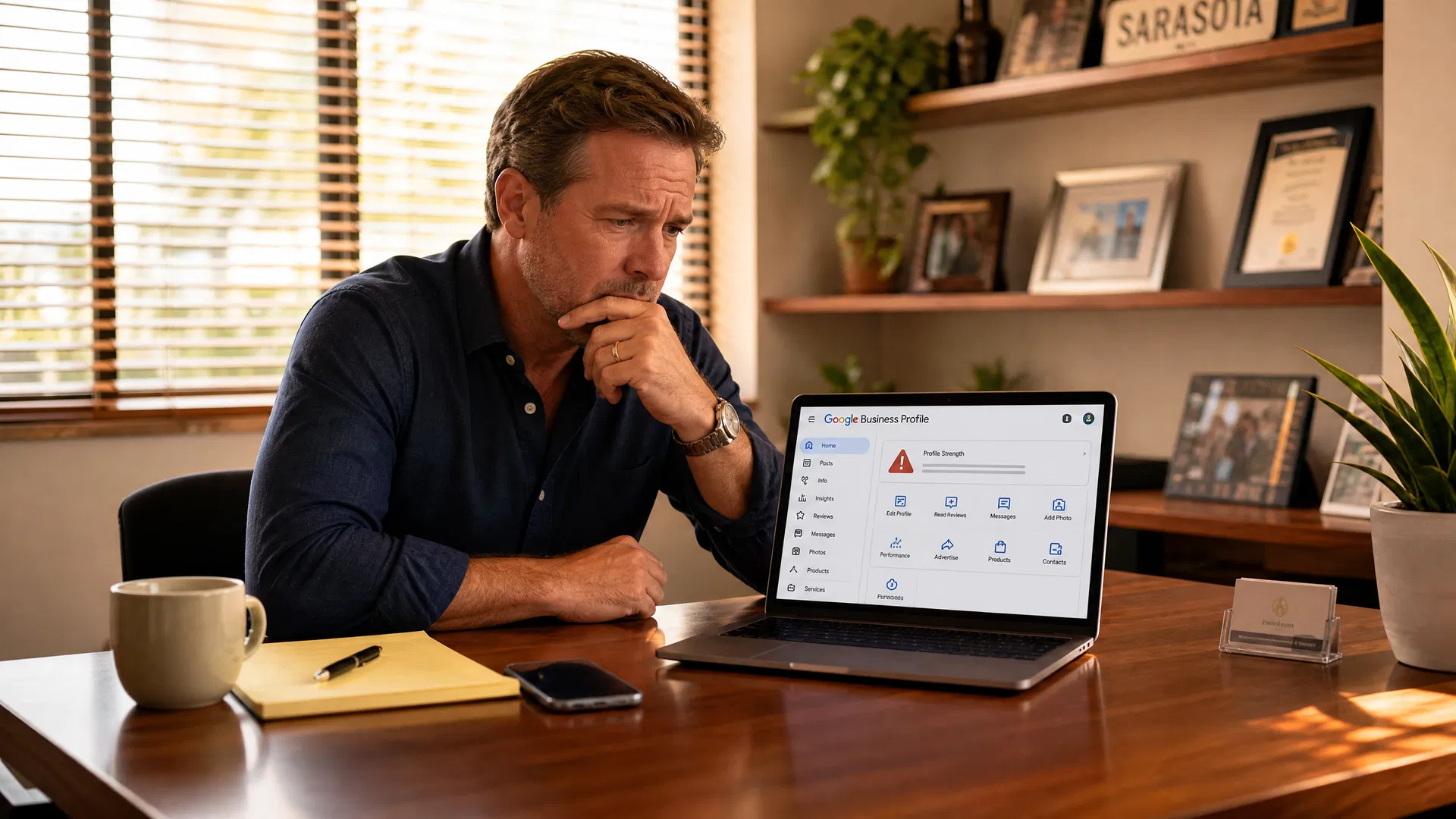
Start from the Business Profile on a mobile device, choose Get verified, select Business video if it is offered, review the prompts, allow the required permissions, record the requested proof, review the result, and upload it. Google determines the verification methods available to each profile; there is no reliable way to select another method simply because video is less convenient. If you need help making the profile accurate before verification, our local SEO and Google Business Profile service covers the underlying information and representation standards.
A video request is not a reason to improvise a workaround. Google says the recording must be captured live through the Business Profile on a mobile device. You cannot upload a prerecorded clip, stitch together separate clips, or record offline and submit later. Plan the route first so the evidence is clear in one continuous recording.
What Google Requires in Every Video Verification
Google's official guidance requires an unedited, unique, complete recording that is at least 30 seconds long. It should not show bank-account, tax, or ID numbers; private information about you or others; or other people's faces. The practical goal is not to make a promotional video. It is to provide clear visual evidence that matches the Business Profile you are asking Google to verify.
Before you press record, compare the business name, address behavior, category, and service model on the profile with the evidence you can show. Google can ask for re-verification after significant profile changes, so accurate representation is more useful than trying to optimize the recording for a particular outcome. Our guide to protecting a Google Business Profile before a suspension explains why names, addresses, and supporting evidence should stay consistent.
What Storefront and Hybrid Businesses Should Show
For a storefront or hybrid business, Google asks for evidence of the business location, proof that the business exists, and proof of management. A sensible sequence is to begin with nearby street signs, a building number, or identifiable surroundings; show permanent on-site signage with the same name that appears on the profile; then show something only an employee can access, such as opening a register, using a point-of-sale system, entering a staff-only area, or unlocking a storage room.
If customers do not visit the address during business hours or there is no permanent on-site signage, Google says the profile should be set up as a service-area business rather than a storefront. Do not create temporary signage or present a location as customer-facing when it is not. A clear Sarasota marketing roadmap begins with an accurate business model and a profile that reflects how customers actually interact with you.
What Service-Area Businesses Should Show
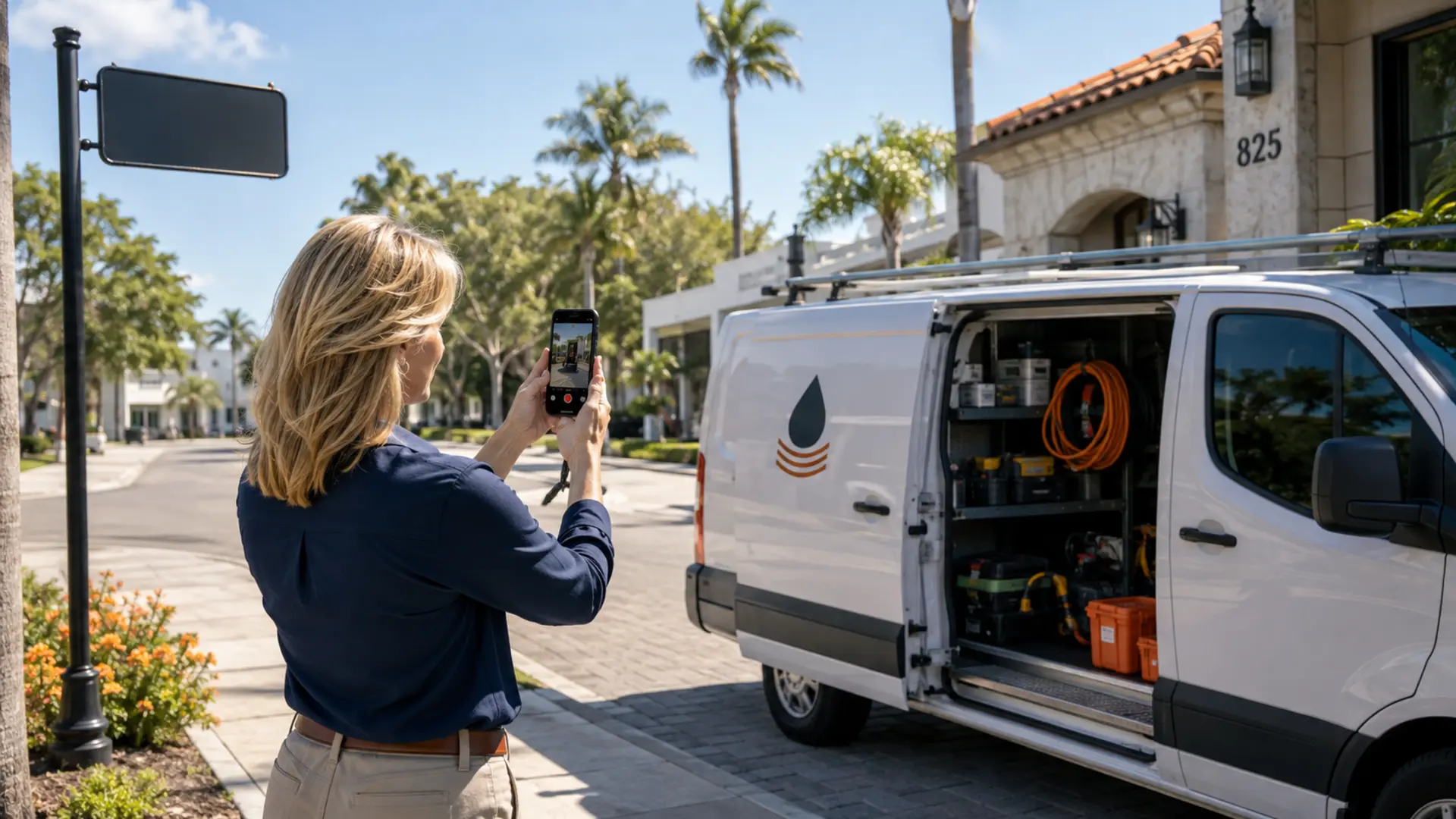
A service-area business goes to customers or provides services without serving them at its business address. Google asks you to show nearby street signs, landmarks, or other clear identifiers at the operating address; avoid empty land or unmarked locations. Then show the professional tools, equipment, products, branded apparel, work area, or vehicle that demonstrate the business exists.
For management proof, show yourself doing work, accessing business-only equipment, or unlocking a branded work vehicle. Google also says a permit, invoice, or utility bill that matches the Business Profile name can support that proof. If you operate from home, do not display the address publicly when customers are not served there; use the service-area configuration and show appropriate nearby identifiers instead.
Quick Win: Write a 45-second recording route before opening the camera. For example: street sign or building number, permanent sign or business tools, then one management-only action. Remove documents with sensitive numbers from the route before you begin.
Before You Record: A Final Evidence Checklist
Use the checklist below to confirm that the profile and the recording route tell the same story. The objective is to make each required fact visible once, clearly, in one continuous video. Do not add props or temporary signs that misrepresent how the business normally operates.
- Sign in to the Google account that manages the profile and open verification from the mobile Business Profile.
- Confirm the profile’s business name, address display, category, and service model match the evidence you will show.
- Plan a continuous route from nearby location evidence to business assets and a management-only action.
- Remove or cover documents with bank, tax, identification, customer, or other private information.
- Make permanent signage readable for a storefront, or prepare tools, products, apparel, and a work vehicle for a service-area business.
- Allow the requested location, camera, and microphone permissions, then review the video before uploading.
For a home-based service-area business, keep family members and private rooms outside the recording route. Show the nearby location identifiers Google requests, then move directly to business assets and management evidence. If a required detail is unreadable or missing during review, record again before uploading rather than submitting an incomplete video.
A Simple Recording Sequence That Avoids Common Gaps
Begin where the location can be recognized, then move to the evidence that proves the business exists, then finish with the action that demonstrates management. Keep the phone steady long enough for signs, tools, or equipment to be understandable. Stay focused on business assets rather than customers, family members, or unrelated personal information.
Review the video before uploading. If a required sign is unreadable, a landmark is missing, or the proof of management is not clear, choose Try again and make a new continuous recording. Google says its review can take up to five business days. A successful review verifies ownership; it does not promise local rankings, calls, or a specific placement in Maps.
What to Do If Google Declines the Video
If Google says the video did not meet the requirements, use Review issues on the mobile Business Profile. Google’s instructions are to review the missing evidence, record a new live video, include the information shown before, add the missing proof, and upload the new recording. A declined video is an instruction to address the identified gap, not evidence that a profile can never be verified.
Keep the response narrow. Do not submit tax IDs, bank information, other people’s faces, or unrelated personal documents. If the profile has a separate ownership or suspension issue, resolve the correct issue through Google’s published workflow rather than treating video verification as a universal fix.
Google determines the available verification method; a profile cannot reliably switch away from video on request.
Record one live, unedited mobile video through the Business Profile; do not upload a prerecorded or offline clip.
Storefronts and hybrid businesses need location cues, permanent name-matching signage, and employee-only proof of management.
Service-area businesses need nearby location identifiers, business tools or equipment, and proof they manage the operation.
Protect privacy throughout the recording; if Google declines it, use Review issues, correct the specific missing evidence, and submit a new live video.
Sources and Related Resources
Frequently Asked Questions
01Can I upload a prerecorded video for Google Business Profile verification?
No. Google says the recording must be captured live from a mobile device through the Business Profile. The video must be a unique, complete, unedited recording; offline or prerecorded uploads are not allowed.
02What should a storefront show in a GBP verification video?
Show nearby location cues, permanent signage whose business name matches the profile, and proof that you manage the business. Google gives examples such as accessing a point-of-sale system, opening a register, entering a staff-only area, or unlocking a storage room.
03What should a service-area business show in a verification video?
Show nearby signs or landmarks that identify the operating location, plus the tools, equipment, products, branded apparel, or workspace used for the business. Then show a management-only action, such as performing a service or unlocking a branded work vehicle.
04How long does Google Business Profile video verification take?
Google says review can take up to five business days after upload. Timing can vary, and completing the recording does not guarantee verification by a particular date.
05What if Google declines my Business Profile verification video?
Use Review issues on the mobile Business Profile, review the missing evidence Google identifies, then record and upload a new live video. Include the required information from the original video and the evidence that was missing.