Why Obvious AI-Generated Images Backfire, and How Brands Can Avoid the Backlash
By Marcela Arenas — — AI Solutions
Why Do Obvious AI-Generated Images Backfire?
An odd hand, a made-up logo, or a tool that could not work can pull attention away from your message. Even when viewers cannot identify the problem, an image may feel careless or out of place. And a polished image can create a different problem if it suggests a real person, job, or product that does not exist.
Consider a plumbing ad with a technician holding a wrench. If the hand grips the tool strangely, the reader may notice the mistake before the offer. If the image looks like a photo of your actual employee, customers may also assume that person works for you. Both details deserve attention before the ad runs.
Why Small Errors Matter
A face that looks almost real but slightly off can feel unsettling. Research on robot faces has explored this response, but it cannot predict how customers will react to your ad. Inspect the details they will notice first.
What Research Can and Cannot Tell You
Reactions vary. Bellaiche and colleagues found that identical AI-generated paintings received different ratings depending on whether people were told a human or AI made them. Their study examined paintings, not local-business ads.
NielsenIQ's test of AI-generated video ads found negative reactions to the videos tested. That does not predict reactions to a still image, but it is a reason to review the finished work.
Ask a colleague who has not seen the brief: What do you notice first? What do you think this image shows? The answer may reveal an error or unintended claim.
Realistic AI Is Not Always Detected
Not every AI-generated image is easy to recognize. In a 2026 study, Danish participants judged images of everyday events, people, crises, and political subjects. Their overall probability judgments were not substantially better than chance under the study's scoring method. A separate 2026 study found that familiarity with two celebrities did not meaningfully improve detection. These results apply to the images and tasks tested. A convincing image can still mislead if it implies something untrue.
The Claim Test: What Does the Image Suggest?
Before choosing an image, ask: could a customer mistake it for evidence of our actual people, premises, products, or results? If the answer is yes, use an accurate photo or another truthful representation. If it illustrates an idea, check the surrounding headline, caption, and page context too.
For example, a tree-care company could use an illustration to explain how roots grow. Its completed-job gallery should show work the company actually performed. A restaurant could use a generated background for a seasonal promotion, but a picture of a specific menu item should accurately represent what customers can order. These are hypothetical examples.
The Claim Test is an editorial guide for choosing imagery. It is not a legal test or a promise about audience response. Use this table as a starting point, then consider what the complete page or advertisement suggests to a customer.
| Image role | What it claims | AI suitability | Examples |
|---|---|---|---|
| Evidence | "This is real and it happened" | Use accurate, real evidence | Team photos, completed jobs, before-and-after results, products, locations, customer testimonials |
| Illustration | "This represents an idea" | Can be suitable; check context | Blog headers, concept graphics, metaphors, process diagrams |
| Atmosphere | "This sets a mood" | Can be suitable; check context | Background textures, abstract patterns, seasonal backdrops behind text |
Do not present a made-up person as a real customer giving a testimonial. FTC staff guidance says there is no blanket ban on AI avatars, but a particular use can still be deceptive. Consult qualified counsel when you need advice on a specific use.
The same question applies to less obvious details. A generated office could be mistaken for your location. A product image might show a feature you do not sell. If you need to show what a customer will actually receive, use an accurate image and review it alongside the claim in the ad.
How Do Audiences React to AI Disclosure?
There is no single audience reaction to an AI label. The product, audience, and reason for using AI can all matter. Be honest about what an image represents and follow the rules for the platform where it will appear.
In a 2025 study by Zhang and Hur, participants in China rated disclosed AI-generated ad images lower than human-made images in the comparison. Their reactions also differed according to the reason given for using AI. The results cannot predict every customer's response.
A 2026 study by Shi and Jiang found that AI labels could increase perceived novelty while reducing perceived authenticity, with reactions varying by audience and product. For a business owner, the useful question is not simply whether an image is labeled. It is whether the visual and its context give customers an honest impression.
How Can Brands Reduce Problems With AI Images?
Start with the purpose of the image. Then give the generator enough detail to create a useful first draft, and set aside time for a person to check it. A good prompt helps direct the result; it does not guarantee an accurate or usable image.
Choose a Style That Fits the Job
If you are explaining an abstract idea, an illustration can make the subject clearer without pretending to document an actual event. If a photographic look supports the story, ask for one, but avoid using a generated scene as proof of your real team, premises, or results. Choose based on what the image needs to communicate.
Write a More Useful Prompt
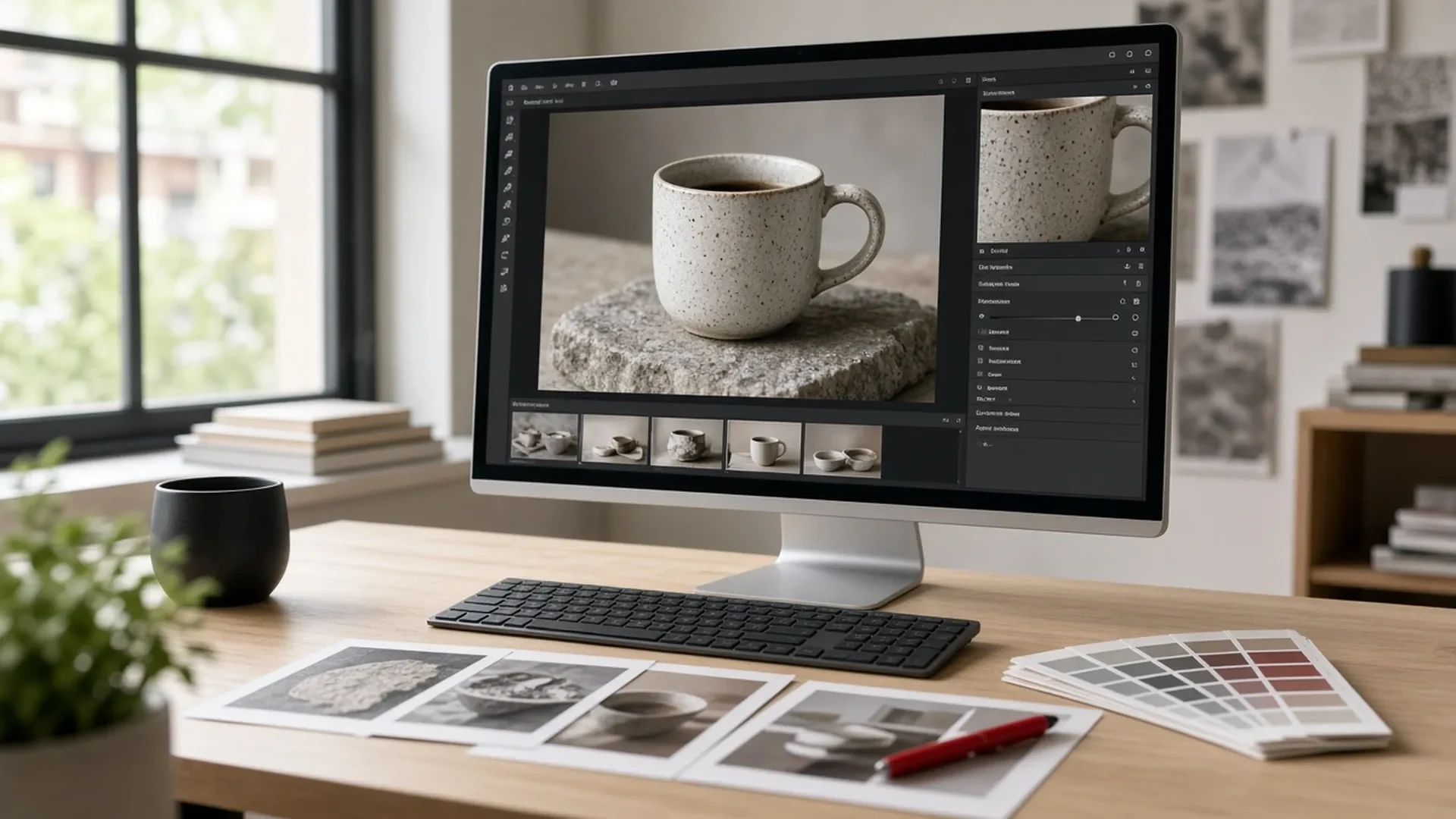
For a photographic look, ask for a hyperrealistic image and describe the subject, setting, lighting, composition, and the space needed for any headline. For example: "Create a hyperrealistic image of a ceramic coffee mug on a clean desk, with natural window light and room on the left for a headline. No logos or text."
Compare that with a vague request such as "make a business image." The more specific brief gives you a clearer starting point. If the image is for an ad, include its intended shape and where the design will be used. Try variations, then select and edit the best result. Hyperrealistic is a direction, not a guarantee that every detail will be correct.
Add Your Real Brand Assets
AI generators may invent or distort logos and lettering. Instead, ask for a clean area in the image and add your approved logo, headline, and colors in your design tool. This gives you control over the details customers associate with your business.
Keep the final image consistent with your existing materials. Communica PRO's guide to business DNA and brand identity can help define that foundation; our guide to brand voice in AI content covers the writing side.
Check Disclosure and Platform Rules
Check the rules for the channel and the way you plan to use the image. Google's guidance on generative AI content encourages useful context about how content was created. Google also requires specified IPTC metadata for AI-generated images in Merchant Center; see its image metadata documentation for details.
For a business profile or a gallery showing real work, accurate photos matter more than a convincing illustration. Our Google Business Profile photo strategy explains how to plan photos that show customers the real business.
A Pre-Publish Checklist for AI-Assisted Images
Before the image goes live, give it a quick review at full size and in the place where customers will see it:
- Apply the Claim Test. Could the image or its context imply a real person, place, product, or result that is not real?
- Inspect hands, faces, lettering, and the edges where objects meet at full size.
- Replace inaccurate lettering and logos with approved brand assets, colors, and fonts.
- Check shadows, reflections, perspective, and how objects work.
- Write alt text that describes the final image accurately.
- Check disclosure and platform rules, and keep or add image metadata where required.
- Ask someone who did not create the image what they notice first. Fix distracting problems and repeat the review.
Build a Simple Image Workflow
Give one person responsibility for the final check. Keep the prompt, the selected image, and any edits together so your team can revisit them later. Before launching a campaign, check how the image looks on a phone, on a larger screen, and next to the actual headline and offer.
Decide which images must show real evidence, who approves generated illustrations, and where brand files live. Communica PRO's AI solutions and Sarasota marketing agency services can help connect those decisions with your marketing. Our AI tools for marketing guide compares options by function.
Where Should You Start?
Choose one image you are about to publish. Apply the Claim Test, make the prompt specific, and inspect the result at full size. If the image needs to prove something about your business, use an accurate photo. If it illustrates an idea, make sure it supports the message without distracting or misleading customers.
Key Takeaways
- Use real images to show your people, location, products, and completed work.
- Apply the Claim Test: could customers mistake an illustration for evidence of something real?
- For a photographic look, ask for a hyperrealistic image and describe the subject, lighting, and composition.
- Add your real logo and text in a design tool instead of relying on the generator to reproduce them.
- Review the image at full size and in context, and follow the rules for the platform where it appears.
Sources and Further Reading
- Hove et al. (2026), Seeing Is Believing? Most People Struggle to Detect AI-Generated Images, Social Media + Society
- Kramer and Underwood (2026), Familiarity With Famous Faces and the Detection of AI-Generated Images, Applied Cognitive Psychology
- Zhang and Hur (2025), The Impact of Generative AI Images on Consumer Attitudes in Advertising, Administrative Sciences
- Shi and Jiang (2026), Consumer Responses to AI Disclosure Labels, Sage Open
- NielsenIQ: Will AI-generated advertising disrupt the creative industry?
- Brüns and Meißner (2024), Journal of Retailing and Consumer Services
- Kamali et al. (2024), How to Distinguish AI-Generated Images from Authentic Photographs
- Google Search Central: Using generative AI content on your website
- Google Search Central: Image metadata in Google Images
- FTC: Consumer Reviews and Testimonials Rule, Questions and Answers
- Pew Research Center: How Americans View AI and Its Impact on People and Society
Frequently Asked Questions
Why do AI-generated images look fake?
Some images contain distorted anatomy, implausible objects, garbled text, or inconsistent lighting. Others may have no obvious errors. A Northwestern guide groups common visual cues into five categories, but those cues alone cannot establish an image's origin.
Do consumers trust AI-generated ads?
Responses vary. NielsenIQ reported negative reactions to the AI-generated video ads it tested. A 2025 study found lower ratings for disclosed AI images in its comparison, while a 2026 study found both positive novelty and negative authenticity effects. Neither result predicts every audience's response.
Should brands disclose AI-generated images?
It depends on the platform, use, and applicable rules. Google requires specified IPTC metadata for AI-generated images in Merchant Center and encourages useful context about how content was created. Be truthful about the image and follow the relevant platform requirements.
Is it safe to use AI-generated people in marketing?
AI-generated people can be suitable for some clearly presented creative uses, but a synthetic person should not be presented as a real customer giving a testimonial. FTC guidance does not impose a blanket ban on avatars, though a particular use may be deceptive. Consult qualified counsel about specific uses.
How can a small business make AI images look more professional?
Start with an appropriate concept, inspect the final image at full size, correct inaccurate details and lettering, and use the brand's actual design assets. Ask another person to check whether the image communicates the intended message.
Build a Review Process for AI Visuals
Businesses that want help building an AI-assisted content process with clear review standards can contact Communica PRO to discuss where AI fits in their marketing and where it should stay out.